
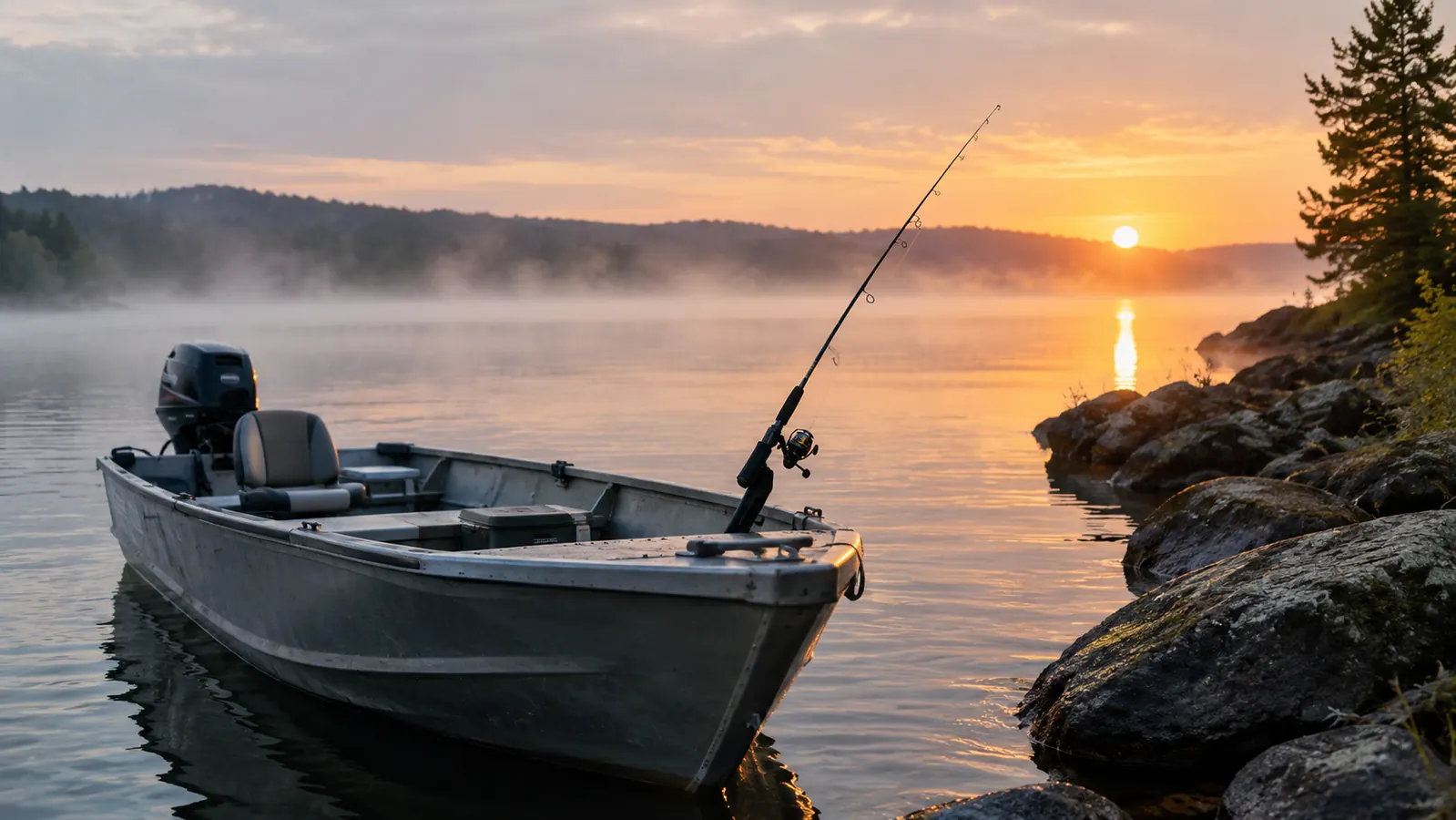
The first time I ran a Garmin Striker 4 over a known walleye spot, I marked three fish on the screen and then watched my line go dead. That was the moment I stopped treating the fish finder as a toy and started treating it as a tool. I am Wade Harlan, I am 58, I fish out of a 16-foot aluminum boat on the lakes around Brainerd, Minnesota, and I have spent the last two seasons learning what this little 3.5-inch screen can actually tell you about walleye structure.
Walleye are not a fish you find by luck. They sit on specific pieces of structure: a breakline, a hump, a saddle between two basins, a weed edge that drops into deeper water. The Garmin Striker 4 is the cheapest reliable way I have found to see that structure without guessing. It is not a fancy unit. It is a tool that does one job well, and that job is showing you what is under the boat.
See the bottom before you drop a line
The Garmin Striker 4 with CHIRP sonar shows breaklines, humps, and weed edges clearly enough to plan a drift. Check today's price on Amazon and see why it is the fish finder I keep on my boat.
Amazon Check Today's Price on Amazon →Step 1: Learn what walleye structure looks like on the screen
Before you touch the Garmin, you need to know what you are looking for. Walleye structure is any change in the bottom that breaks up the flat, boring stretches of lakebed. A breakline is where the bottom suddenly drops from 8 feet to 18 feet. A hump is an island of shallow water surrounded by deeper water. A saddle is a ridge connecting two shallow areas with deep water on both sides. A weed edge is the line where cabbage weeds stop and open bottom begins.
On the Striker 4, all of these show up as changes in the bottom line. The unit draws a continuous line across the screen that represents the lakebed. When that line steps down sharply, you have found a breakline. When it rises into a dome and then falls away, you have found a hump. The key is to slow down and watch the line, not the fish icons.
I run the Garmin in traditional sonar mode most of the time, not the fish symbol view. The fish icons are a distraction. The raw sonar return shows you the actual bottom contour, and that is what tells you where walleye will hold. If you see a sharp change in the bottom line, you have found structure worth fishing.
Step 2: Set the Garmin up for structure hunting
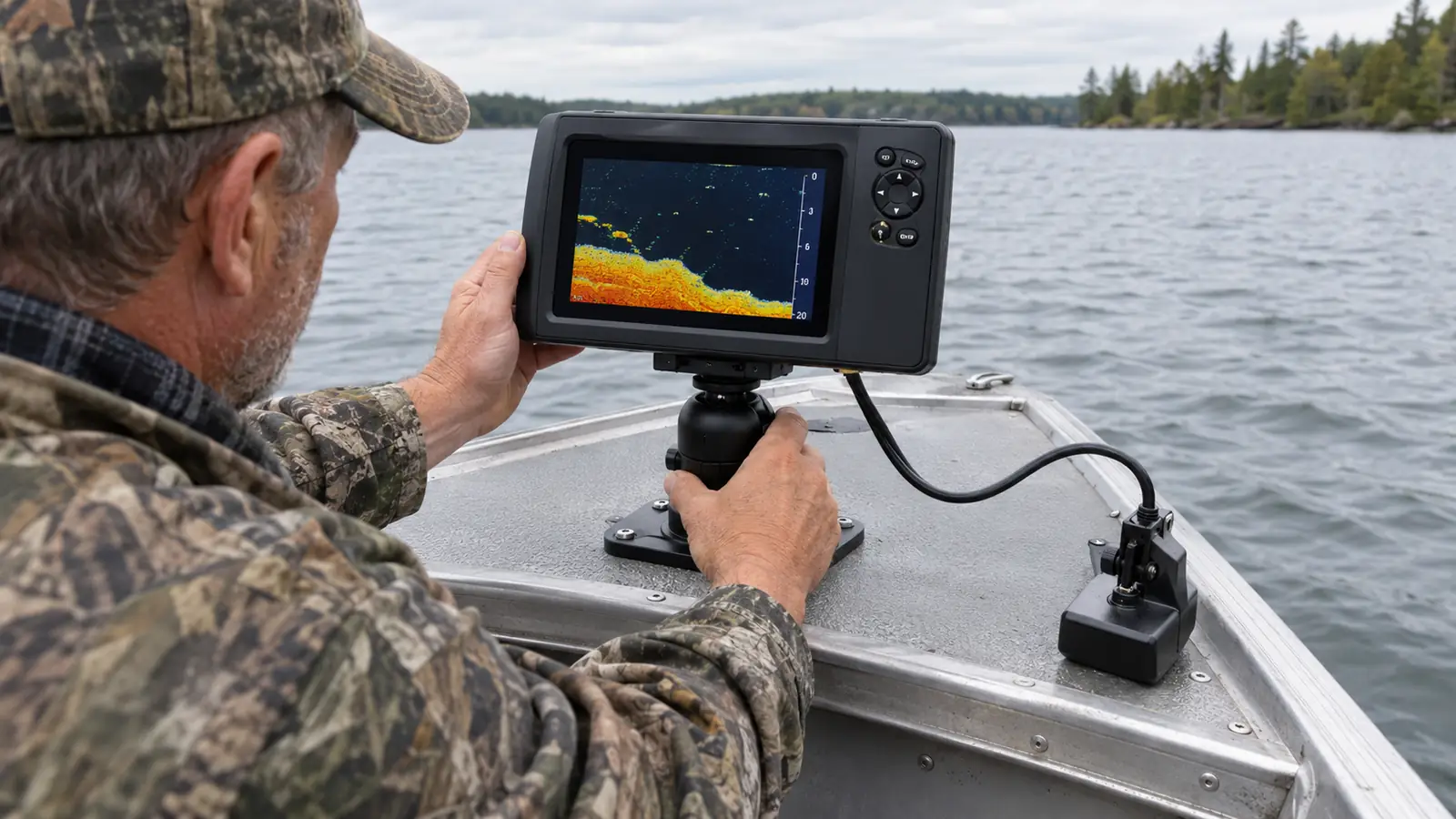
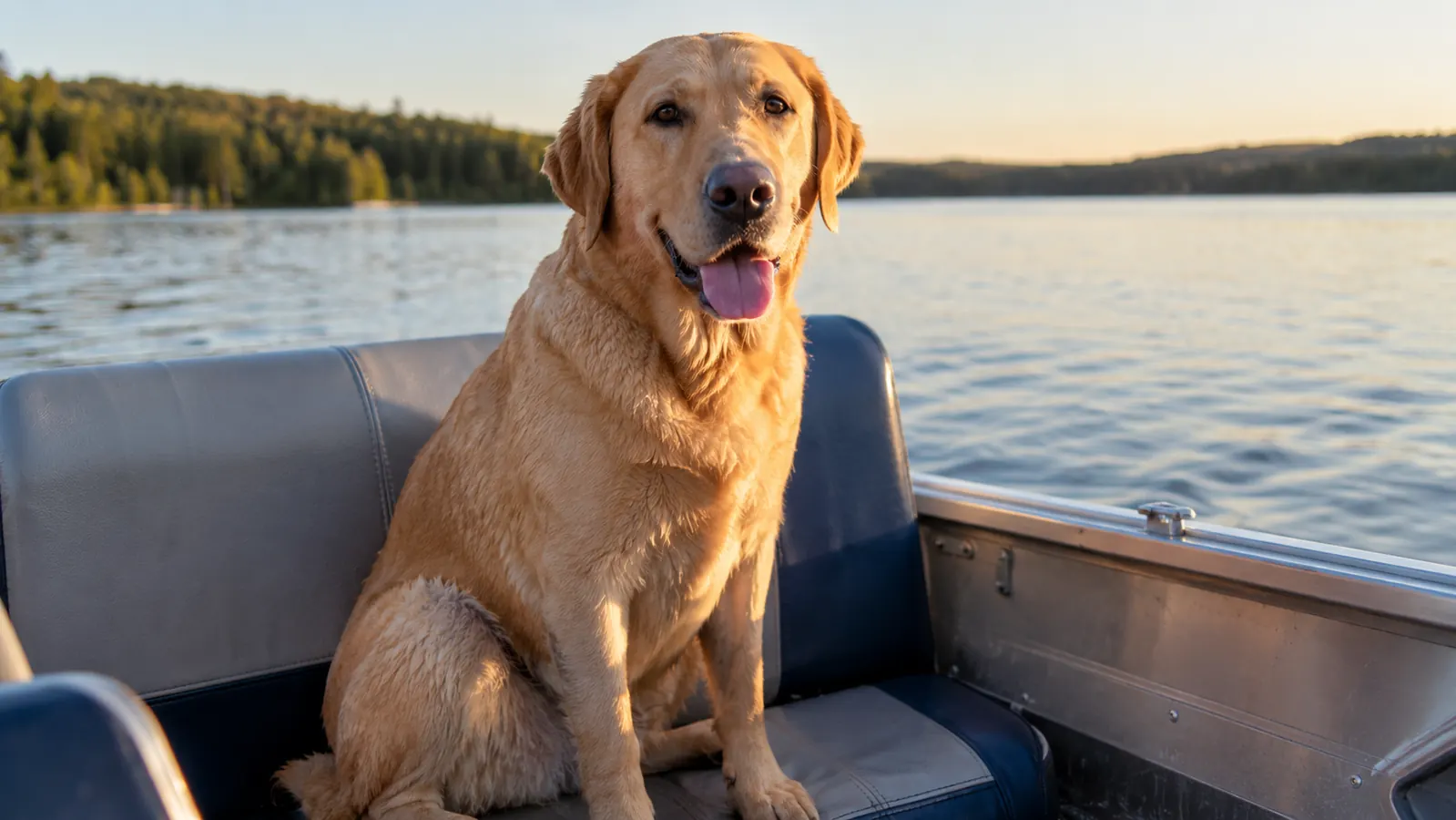
The Garmin Striker 4 comes with a transducer that mounts on the transom of a 16-foot aluminum boat in about ten minutes. The mount is simple: a bracket, two screws, and a cable run along the gunwale. I run the cable through a couple of zip ties so Tucker, my 75-pound yellow Lab, does not catch a paw on it when he moves from the bench to the bow.
Once the transducer is on, the settings matter more than the price of the unit. I set the sonar to CHIRP, which the Garmin handles well for a unit in this price range. CHIRP sends a sweep of frequencies instead of a single ping, and it gives you a cleaner picture of the bottom and the fish holding tight to it. I keep the gain around 70 percent and let the unit auto-adjust the depth range. That is the setup I use for every walleye trip.
The screen is 3.5 inches, which is small, and I will not pretend it is not. But it is bright enough to read in direct sun, and the backlight is easy on the eyes at dusk. For structure hunting, you do not need a big screen. You need a clear bottom line, and the Garmin gives you that.
Step 3: Grid a spot instead of wandering across it
The biggest mistake I see new anglers make with a fish finder is treating it like a metal detector. They run straight across a lake, see a blip, and drop anchor. That is not how you find walleye structure. You have to grid the area.
Pick a piece of water you suspect holds walleye, maybe a point that drops into a basin or a flat adjacent to a deep channel. Run parallel passes across it, spaced about 50 feet apart, at a slow trolling speed. Watch the bottom line on the Garmin as you go. When you see a contour change, mark it with a waypoint using the Garmin's GPS. The Striker 4 has GPS built in, which is the feature that makes this whole method work.
I usually grid a spot three times: once to find the structure, once to confirm it, and once to figure out which side of it the walleye are holding on. Walleye relate to structure differently depending on light, wind, and time of year. The Garmin does not tell you which side they are on. It tells you where the structure is, and then you use your knowledge of the lake to decide where to fish it.
Step 4: Use the GPS to mark waypoints and return to them
The Garmin Striker 4's GPS is the feature that separates it from a plain sonar unit. When you mark a waypoint, the unit stores the exact location. You can then return to that spot on a later trip, even in the dark, even in fog, even when the lake looks completely different from the way it looked in July.
I mark every piece of walleye structure I find. A hump that holds fish in May might hold nothing in August, but the waypoint is still valuable because it gives me a place to start. Over two seasons, I have built a library of waypoints on the Garmin that covers the useful structure on three local lakes. That library is worth more to me than the cost of the unit.
The GPS on the Striker 4 is not a mapping unit. It does not show you lake contours or depth charts. It shows you a blank screen with your position and your waypoints. That sounds like a limitation, and it is, but it is also a strength. It forces you to learn the lake yourself instead of trusting a map that might be wrong.
Step 5: Read the screen while you fish, not just while you search
Once you have found structure and marked it, the Garmin earns its keep while you are actually fishing. I keep the unit running in split view: sonar on one side, GPS on the other. That way I can see the bottom contour and my position at the same time. When I drift over a breakline, I can watch the bottom line rise and know exactly when to expect the drop-off.
The sonar will also show you fish, but here is the honest part: it shows you arches and blips, not guarantees. A walleye holding tight to the bottom shows up as a small arch just above the bottom line. A school of baitfish shows up as a cloud. The Garmin does a good job of separating the two, especially in CHIRP mode, but you still have to interpret what you see. That is the skill, and it takes time.
I have marked fish on the Garmin and caught nothing. I have also caught walleye where the screen showed nothing at all. The fish finder is not a magic window into the lake. It is a tool that shows you structure, and structure is what concentrates walleye. The more time you spend watching the bottom line, the better you get at knowing where to drop a jig.
What Else Helps
A fish finder is one piece of the system. The other pieces matter just as much. A good trolling motor with a spot-lock feature lets you hold position on a waypoint while you fish it. A drift sock slows your boat down on windy days so the sonar can actually read the bottom. And a rod with a sensitive tip tells you when a walleye picks up a jig, which matters more than any screen.
I also keep a paper map of each lake in the boat. The Garmin shows me where I am and what is under me, but a paper map shows me the big picture: which basins connect, where the channels run, which flats are likely to hold baitfish. The two tools work together. The map tells me where to start, and the Garmin tells me when I have found something worth fishing.
One more thing: charge the unit before every trip. The Striker 4 runs off a 12-volt connection, and I wired mine to the boat battery with an inline fuse. It has never let me down, but I have seen anglers show up at the ramp with a dead unit because they relied on a portable battery pack that was not charged. A fish finder that is not powered is just a screen.
The Garmin does not tell you where the walleye are. It tells you where the structure is, and that is the part you can actually learn to read.
Who This Is For
This method is for anglers who fish from a small boat, who want to understand their home lakes better, and who do not want to spend a fortune on electronics. The Garmin Striker 4 is the right tool for that job. It is simple enough to learn in an afternoon, rugged enough to survive a wet dog in the boat, and cheap enough that you do not feel guilty when it takes a splash.
It is also for anglers who are willing to put in the time. The Garmin will not catch fish for you. It will show you structure, and then you have to fish it. If you are willing to grid a spot, mark waypoints, and learn what a breakline looks like on a 3.5-inch screen, this unit will pay for itself in the first season.
Who Should Skip It
If you fish mostly from a kayak and want a unit you can carry in a backpack, the Striker 4 is heavier than you need. If you want built-in lake maps with contour lines, this is not the unit for you. And if you expect a fish finder to put walleye in the boat by itself, skip it and save your money, because no screen does that.
The Garmin Striker 4 is a tool with limits. The screen is small, the GPS does not show maps, and the transducer cable needs to be routed carefully. But for the angler who wants to find walleye structure without spending a thousand dollars, it is the best value I have found. I have one on my boat, and I will keep using it until it quits.
Put a Garmin on your boat this season
The Garmin Striker 4 with CHIRP sonar and GPS is the fish finder I trust to find walleye structure on my home lakes. Check today's price on Amazon and see why it earns a spot on any small boat.
Amazon Check Today's Price on Amazon →